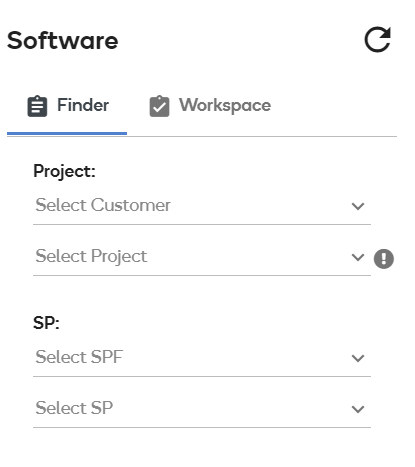
Finder
Finder shows all available projects, software product families, and software products in the catalog for the current, logged in user based on their entitlements. Users can filter by projects, software product families and/or software products.
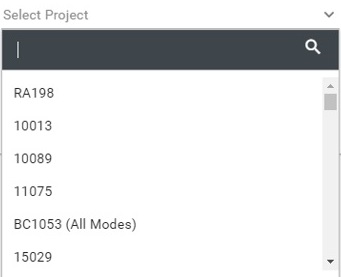
Select Project
By selecting an available project from the project list, the software product list and available releases are filtered appropriately. Users can also type in the filter section at the top of the dropdown to filter contents of the list. The list only shows projects the current user is entitled to see.
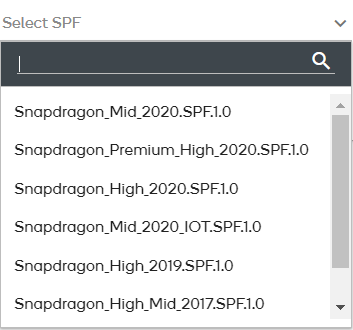
Select Software Product Family
Selecting an available software product family from the family list ensures that the software product list and available releases are filtered appropriately. Users can also type in the filter section at the top of the dropdown to filter contents of the list. The list only shows software product families that the current user is entitled to see.
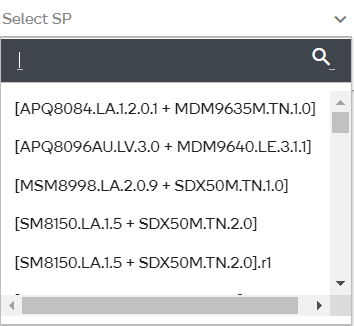
Select Software Product
The SPF list and available releases are filtered appropriately when you select an available software product from the product list. Users can also type in the filter section at the top of the dropdown to filter contents of the list. The list only shows software product the current user is entitled to see.