Offline Product Suite Installation
Introduction
This document provides information on how to use Product Suite Offline Download Feature in qpm-cli.
It allows user to download and install a product suite.
Sample Command
Download
qpm-cli --download-only "Qualcomm Development Acceleration Resource Toolkit" --output-dir "C:\temp\ProdSuiteTest"
Install
qpm-cli --install "Qualcomm Development Acceleration Resource Toolkit" --install-dir "C:\temp\ProdSuiteTest"
Download Workflow
-
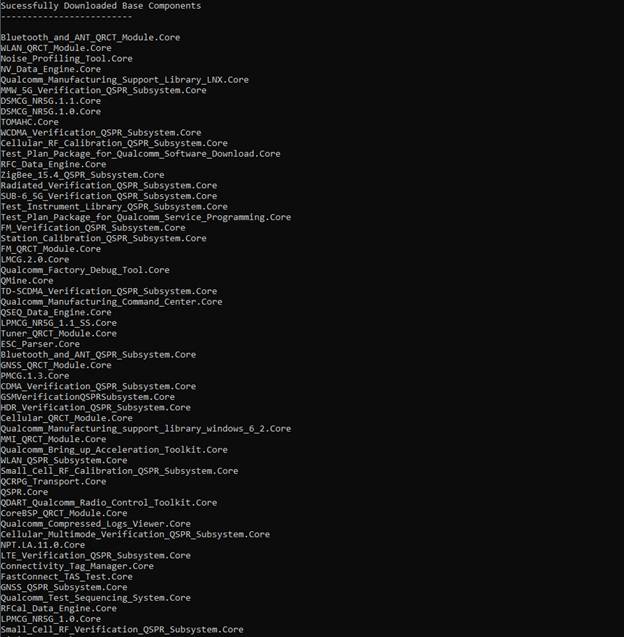
All Base Components are downloaded first. At times, error messages will be shown related to license errors, indicating license has not been activated for the product.
-
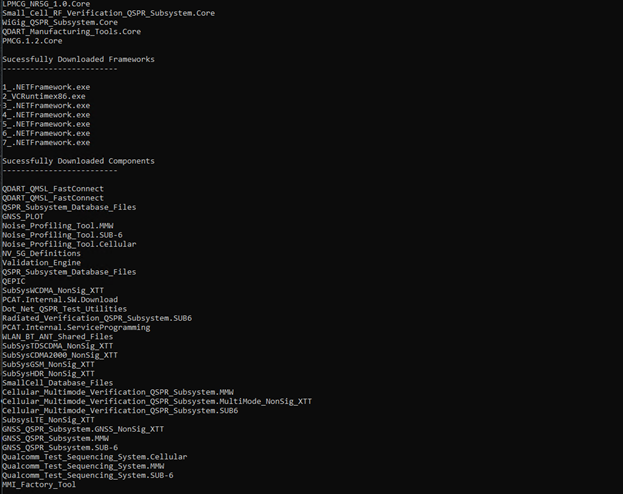
After base components, all frameworks associated will be fetched.
-
After that all dependencies and add-on components will be downloaded.
-
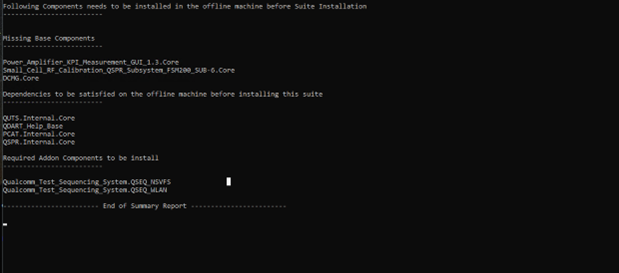
At the end, a summary report is displayed which gives the overall information.
Installation Workflow
- An initial check is done to ensure if relevant conditions are met before installation is started. If it is not met the installation process fails


- All dependencies are installed.

- In next step all base components are installed.


- Followed by the base installation, all AddOn components are installed.