Finder
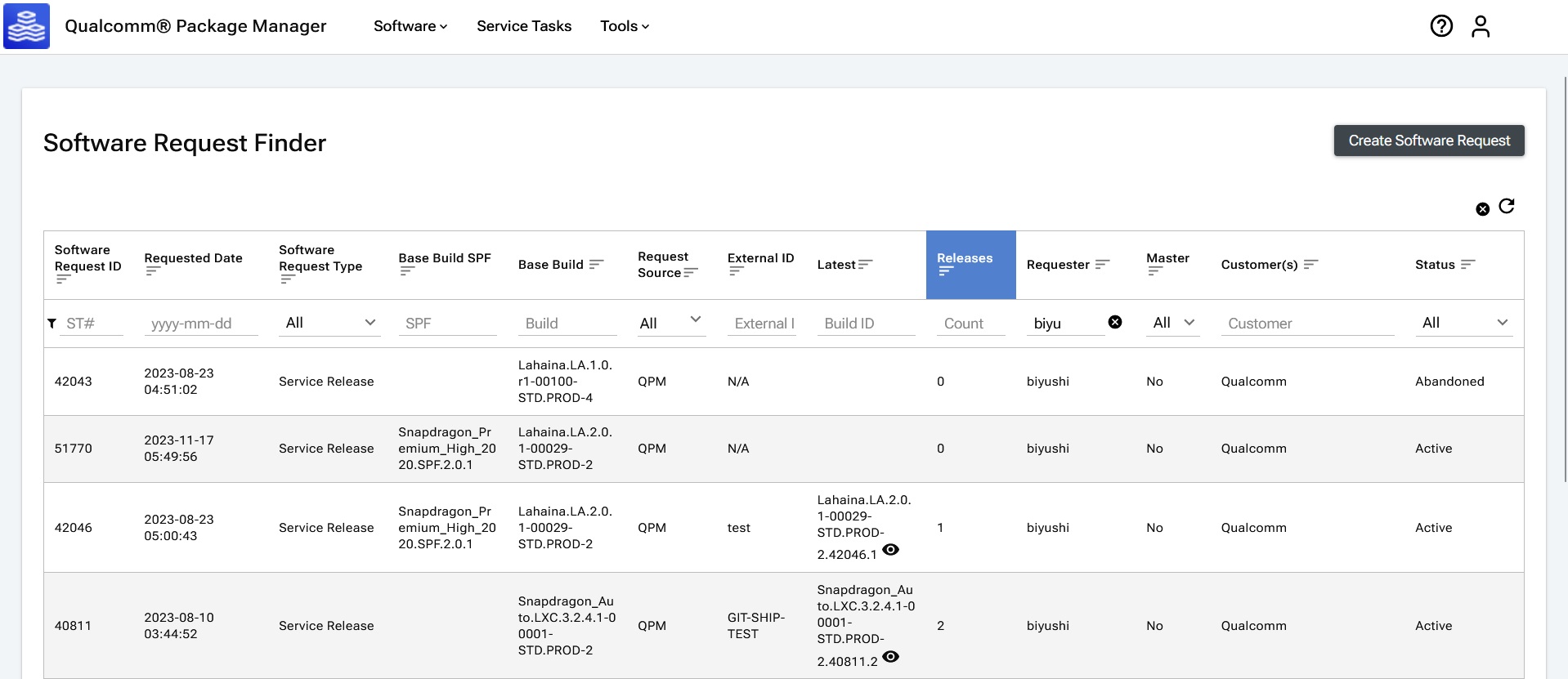
All software requests can be found in the Software Request Finder.
To view open software requests that are visible to the current user, click  in the main navigation o open the Software Request Finder.
Users can create a software request, and filter and sort all existing software requests.
Standard Requests
Under Software Requests, a new option Standard Requests is available. When clicked, users are redirected to the Standard Requests page at https://qpm.qualcomm.com/#/main/software/standardrequest/find.
Users can view all the Standard Requests which they are entitled to, and perform filtering, sorting, and other operations on the table.
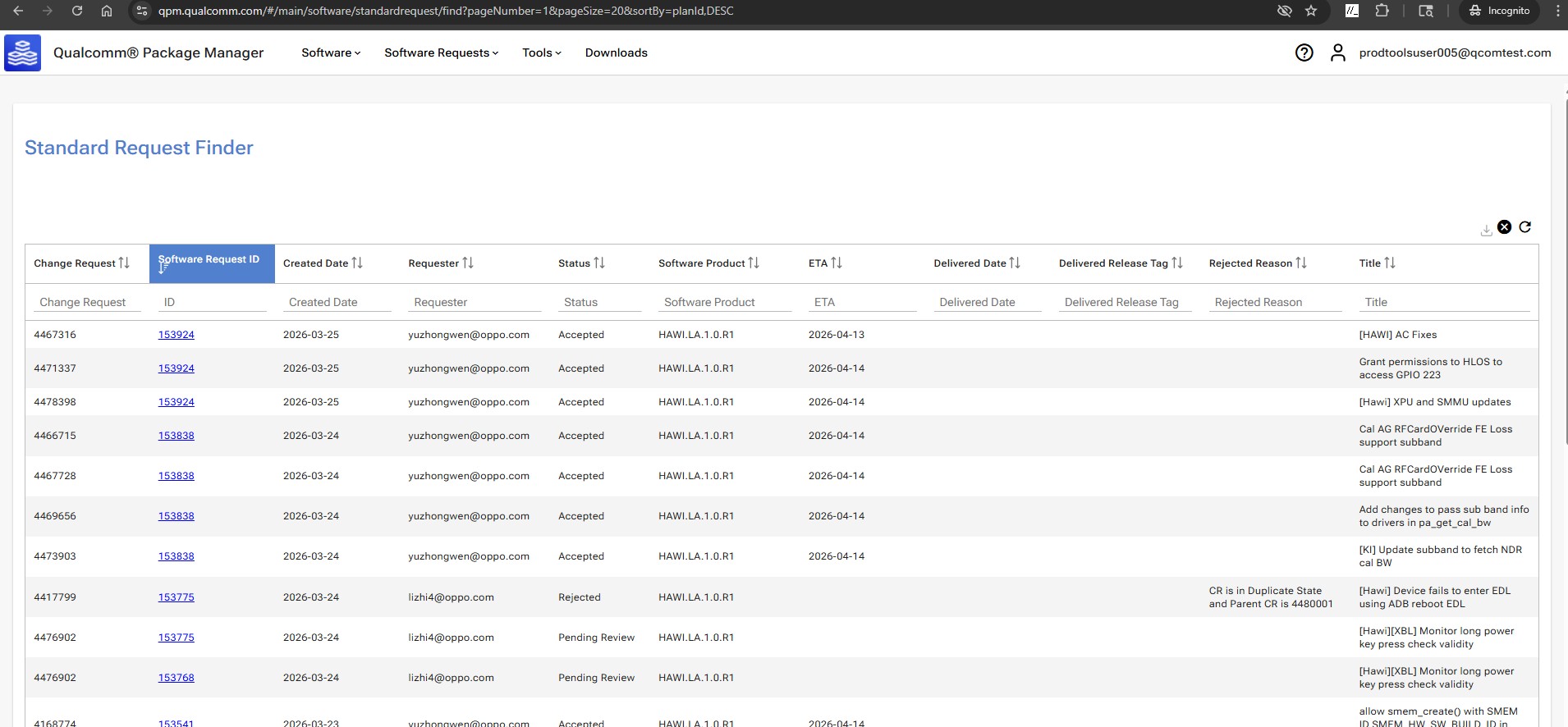
Status includes:
- Pending review – Request received and under review
- Accepted – Request accepted under processing, ETA is provided
- Delivered – Solution delivered to customer, delivery date and build tag are provided
- Rejected – Request rejected. Hover the cursor over the status to see a pop-up prompt about the justification.
Create software request from Software Request Finder
Creating a software request from the Software Request Finder is slightly different than the process of creating a Software Request from the Software page because the user must specify the Product Family, Product, and Release to use as the base build, in addition to the CRs and customers.
See the Create Software Requests section for more details on creating a new software request.