License Renewal Workflow
In case a License / License Group is expiring, users can click the Renew button to renew it.
- Navigate to the license you want to renew via License Find Page / License Group/ Serial Number Details page
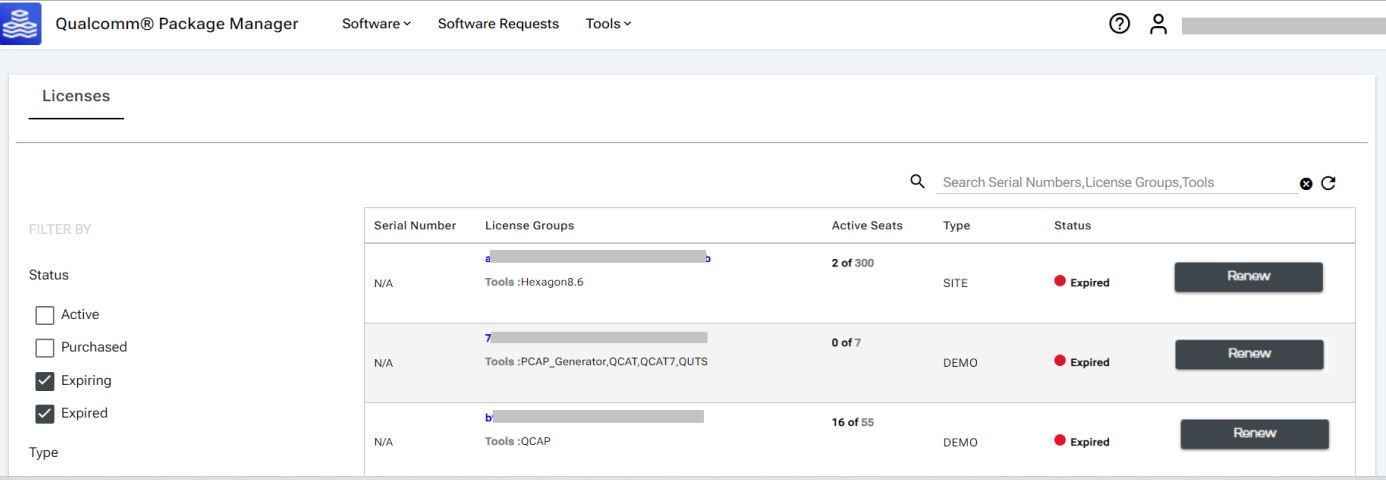
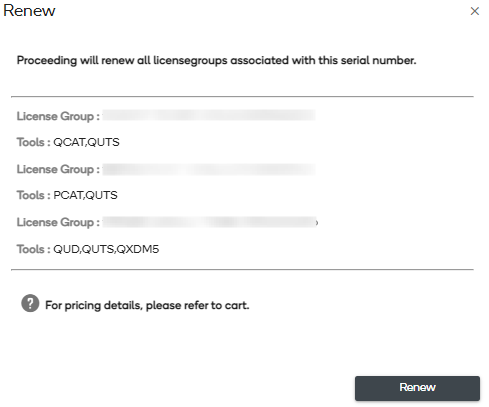
- On clicking renew, a confirmation dialog opens:
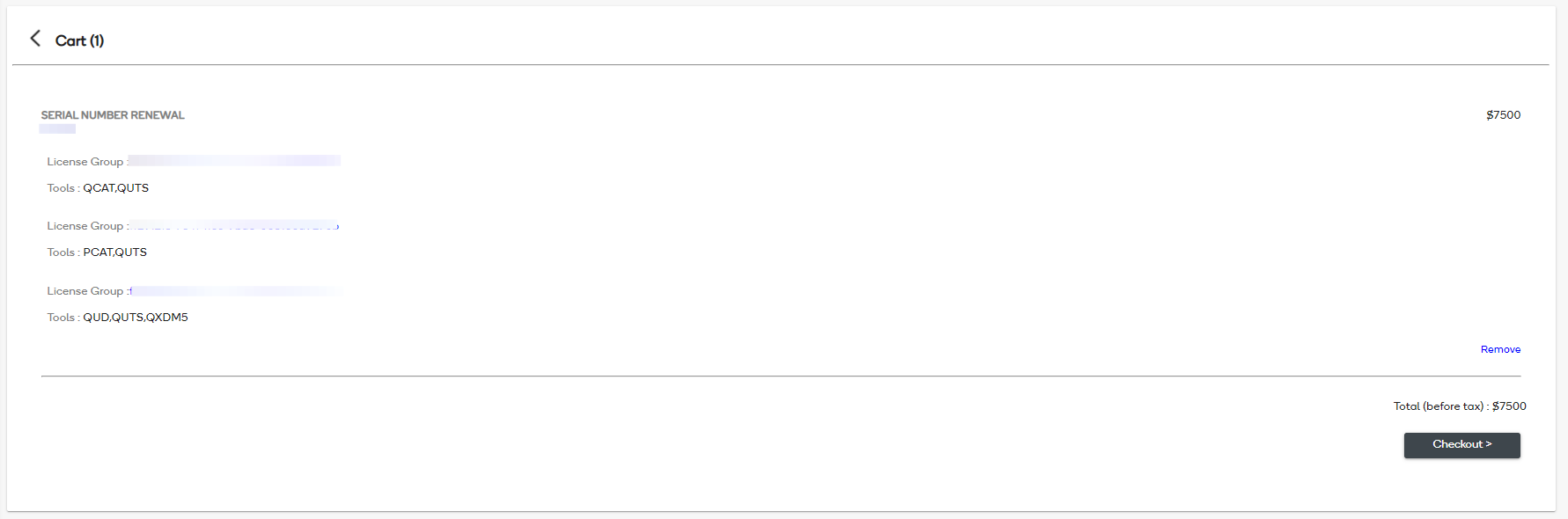
- License corresponding to the selected serial number is added to cart
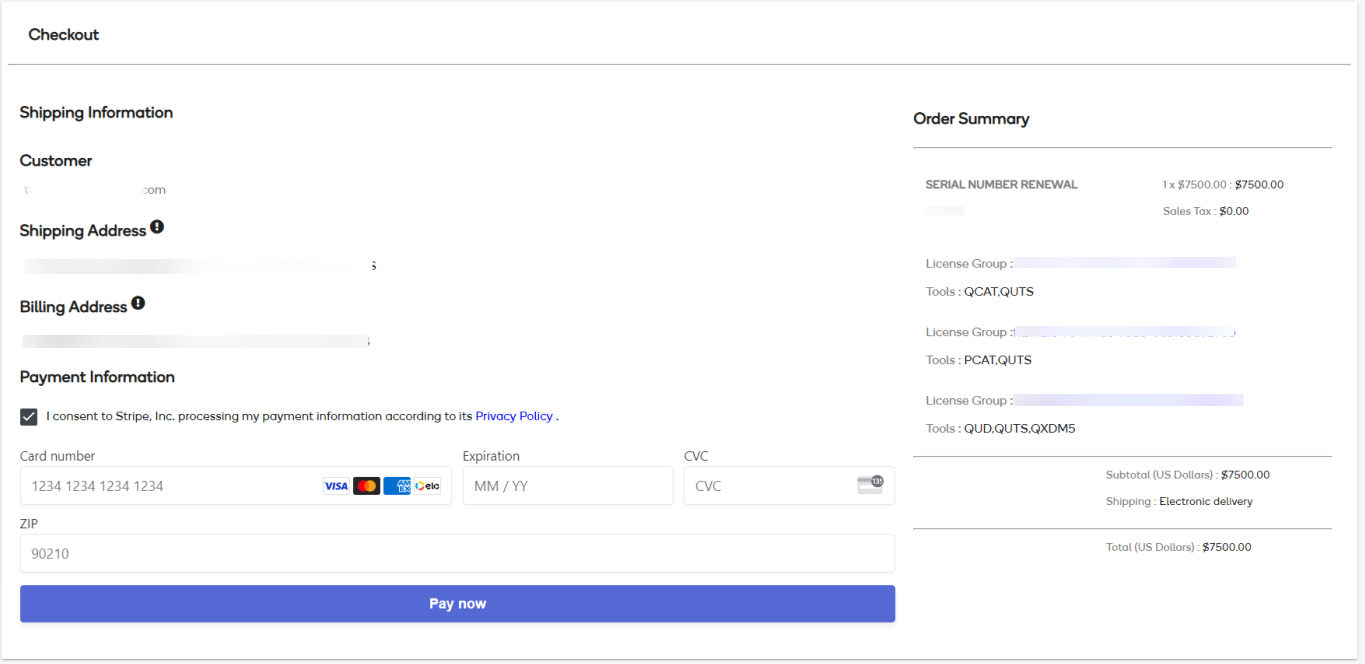
- Users can then checkout and make payment for the same.
Note: Renewal is available when License expired less than 1 year ago or is due to expire within 90 days.
Expired Licenses must be purchased again for use.
