Delta CRs
Overview
This page provides a step-by-step guide on how to retrieve a list of delta CRs (Change Requests) between two QPM Service builds.
Get List of Delta CRs
To get the list of delta CRs, follow these steps:
Step 1: Select Type of Build
Select the type of build you want to compare:
- Product Build
- Image Build
Step 2: Enter QPM Service Task Build ID
Enter the QPM Service task product or image build based on your selection.
Step 3: Click on Find CR Delta
Click on the Find CR Delta button to initiate the process.
Images
Image 1: Release CRs Button
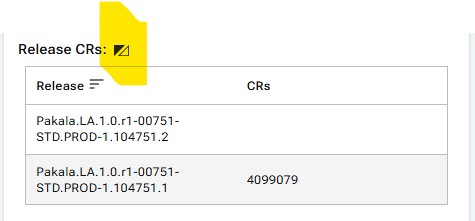
Image 2: Popup
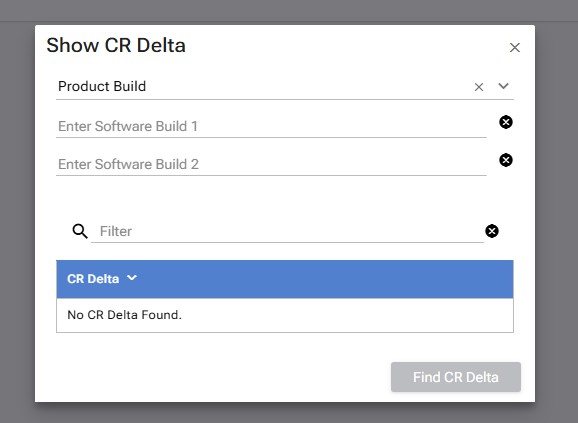
Image 3: Product Build Results
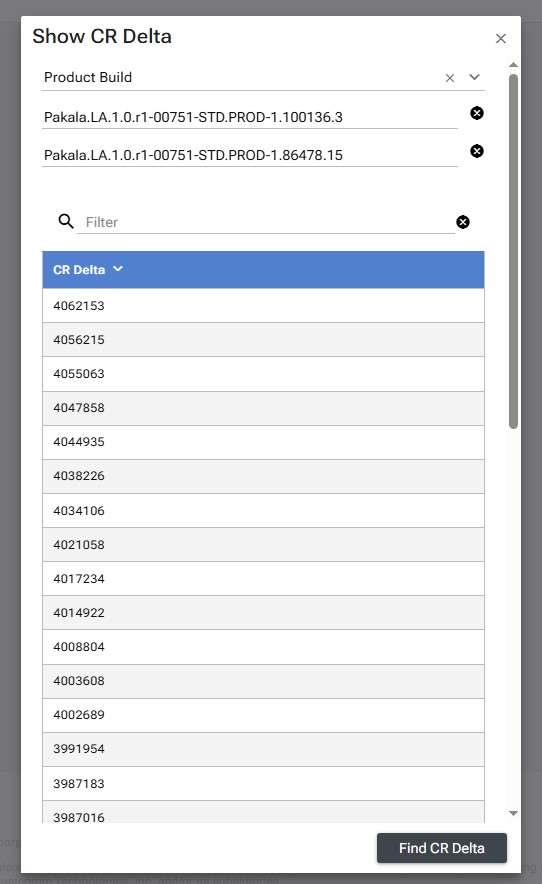
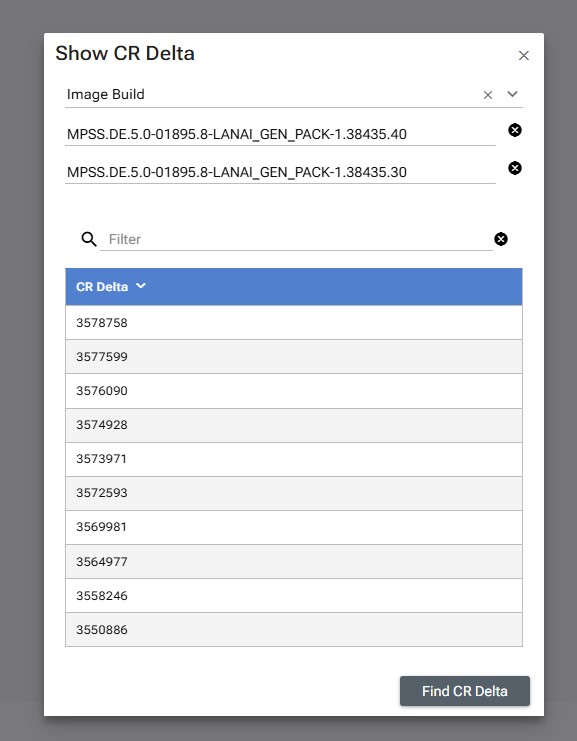
Image 4: Image Build Results
Output
The output will show a list of CRs integrated between the two builds. If the process fails, an appropriate error message will be displayed.
Troubleshooting
- If the process fails, check the error message for details.
- Verify that the QPM Service task product or image build is entered correctly.
- Ensure that the build types are selected correctly (Product Build or Image Build).